
Any information contained on this Website is not legal advice and should not be treated as such. You should always contact an attorney for help with your specific legal needs and issues. We may also earn a commission when you click links to our partners and purchase goods or services. For more information, read our Disclaimers Policy.
Why Webflow Collaboration is Essential for Modern Marketing Teams
Webflow Collaboration Tools transform how design, development, and marketing teams work together on web projects. If you're looking for a quick overview, here's what you need to know:
- Design, Build, and Edit Modes - Different modes for designers, marketers, and content editors to work simultaneously
- Real-Time Collaboration - Multiple team members can work on the same project at once without conflicts
- Comment Mode - Leave feedback directly on the canvas for streamlined communication
- Role-Based Permissions - Control who can access and edit different parts of your site
- Team Libraries - Share components and styles across projects for consistency
The rise of remote and hybrid work has made seamless collaboration more critical than ever. For marketing teams needing to move fast and iterate quickly, traditional workflows—passing files through email, losing feedback in scattered messages, and waiting for turns to edit—are a major bottleneck.
Web design projects are complex, requiring skills in design, development, content, and QA. Getting these disciplines to work together smoothly is what separates projects that drag on for months from those that launch in weeks.
That's where Webflow's collaboration features become a game-changer. Webflow bakes teamwork directly into the platform, allowing designers, content editors, and marketers to work in parallel. Everyone can see what's happening in real-time, leave feedback directly on the canvas, and track changes as they happen.
The result is a significant reduction in project timelines, faster launches, and more time for high-priority work. It's about working smarter with the right systems in place. By leveraging Webflow's collaborative environment, we don't just build websites; we build them with improved efficiency and quality, setting us up to How to Build Excellent Webflow Websites.
A Practical Guide to Webflow Collaboration Tools
Building great websites isn't a solo sport—it takes a team. When that team is spread across different time zones on tight deadlines, you need tools that help, not hinder. That's where Webflow Collaboration Tools shine, with teamwork built right into the platform.
Let's walk through how these tools work and how you can use them to make your team more productive.
Mastering Webflow's Collaborative Modes: Design, Build, and Edit
Webflow's modes act like dedicated workspaces, allowing team members to focus on their specific tasks without conflict.
Design Mode is the full-control environment for web designers to build site structure, create styles, configure reusable components, and set up interactions and animations.
Build Mode empowers marketers and content teams to create new pages using pre-approved components. Instead of waiting for a designer, they can assemble landing pages from a library of reusable elements that were created by their designers, launching campaigns faster. This is how we at Matthew John Design create scalable sites that let marketing teams move quickly.
Edit Mode is for content creators who need to update text, swap images, or manage CMS items directly on the page. They can make these changes without altering the site's design or structure, keeping content fresh while designers focus on larger improvements.
This system gives everyone clear boundaries: designers have creative control, marketers execute campaigns, and editors keep content current. It eliminates confusion and accidental changes. For a detailed walkthrough, check out the Collaborate in the Webflow Designer lesson.
Real-Time Editing and Design Control
Multiple people can work in the same Webflow project simultaneously, and you can see exactly what everyone's doing. Teammate avatars at the top of the Designer show who's working and on which page. It's a smart indicator that makes Webflow Website Management so efficient.
Streamlining Feedback with Comments and Version Control
Unclear feedback scattered across emails and messages kills momentum. Comment Mode solves this by allowing team members to click on any element and leave feedback directly on the canvas. Comments are contextual, specific, and visible to the whole team, who can reply and resolve issues without ever leaving Webflow.
Version control in Webflow provides a safety net by automatically backing up your project. If a mistake is made, you can easily restore a previous version. This is especially valuable for protecting your site's configuration, like when working on Webflow SEO Settings Best Practices.
Enterprise customers can use Page Branching to work on different versions of a page simultaneously and merge changes later, similar to a developer's workflow.
Managing Your Team with Roles, Permissions, and Libraries
Webflow's role-based access system lets you control exactly what each team member can do. You can assign roles like Site Manager, Designer, Marketer, and Content Editor each with specific permissions. This means you can grant access confidently without worrying about accidental changes.
Integrating External Webflow Collaboration Tools
While Webflow's features are powerful, they integrate well with the external tools your team already uses.
- Project Management: Tools like Trello is a widely-respected industry leader help organize tasks and track project progress visually.
- Communication: Slack specializes in instant messaging for real-time updates and feedback, reducing email clutter.
- Design: Figma is a specialized tool for designing interfaces that enables collaborative wireframing and prototyping before development in Webflow.
- Content & Automation: Other valuable tools include Google Drive for file management, Airtable for organizing CMS content, and Zapier for automating tasks between apps.
Customizing your tool stack is key to improving productivity, especially for large-scale projects like Programmatic SEO Webflow that require efficient content pipelines.
Best Practices for Maximizing Team Productivity in Webflow
Understanding Webflow Collaboration Tools is just the beginning. The real magic happens when you build workflows that turn these tools into productivity gains. At Matthew John Design, we've learned that success comes down to a few core principles.
Establishing Efficient Collaborative Workflows
An efficient workflow is the operating system for your team. Building one doesn't require a complete overhaul, just thoughtful adjustments based on these practices:
Transparent Communication: Create an environment where team members can share updates and ask questions openly. Webflow's commenting system is perfect for this, keeping feedback contextual and visible to everyone, which eliminates the confusion of vague email requests.
Regular Check-ins: Brief daily or weekly meetings keep everyone aligned and help remove blockers quickly. These are conversations about what's working and what's stuck, not just status reports.
Clear Role Delineation: When everyone knows their responsibilities, there's no confusion. Webflow's Design, Build, and Edit modes naturally support this. Designers own structure, marketers manage campaigns, and content creators keep information current.
Workflow Optimization: Regularly examine your processes to find and fix friction. If designers are bogged down with repetitive tasks, build a better component library. If marketers are waiting on updates, empower them with Build Mode and templates. Faster iteration leads to more opportunities for Optimizing Webflow Sites for Higher Conversions: A Comprehensive Guide to CRO.
At Matthew John Design, we've seen these practices transform how teams operate. Marketing teams can launch campaigns without developer delays, designers can focus on creative challenges, and content creators can maintain fresh, accurate information. This is what we mean by empowering marketing teams—giving them the autonomy to move quickly while maintaining quality.
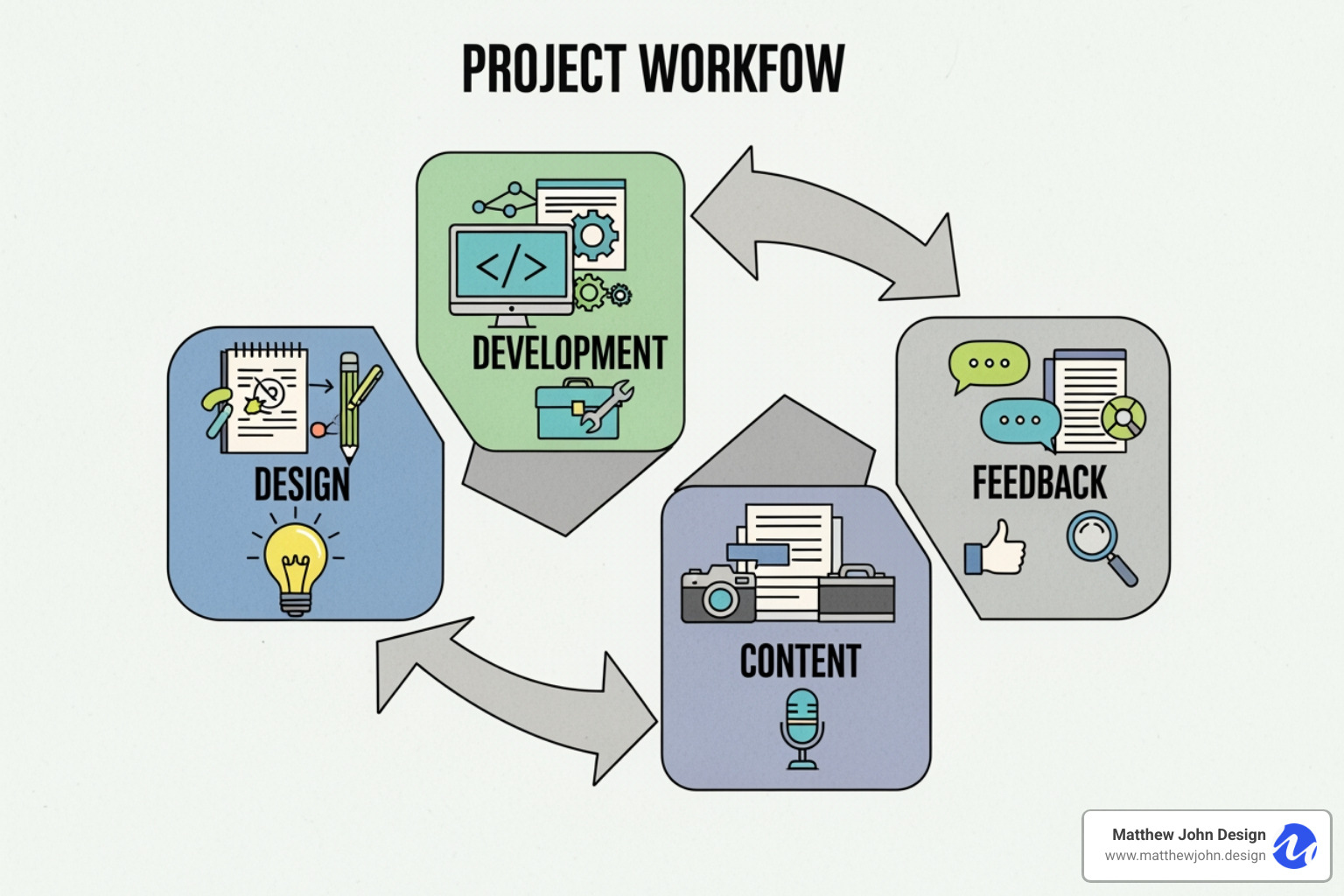
The truth is, collaboration isn't just a feature set—it's the foundation of how modern web projects succeed. Webflow's collaborative tools enable teams to work together with a level of efficiency and quality that simply wasn't possible with traditional workflows. By embracing real-time editing, version control, thoughtful permissions, and strategic integrations, you can transform how your team builds and maintains your digital presence.
Ready to experience what seamless collaboration can do for your organization? Explore our website design and development services to see how we build scalable, high-performing Webflow sites designed for collaborative teams.