
Direct answer
What should a Webflow handoff guide include?
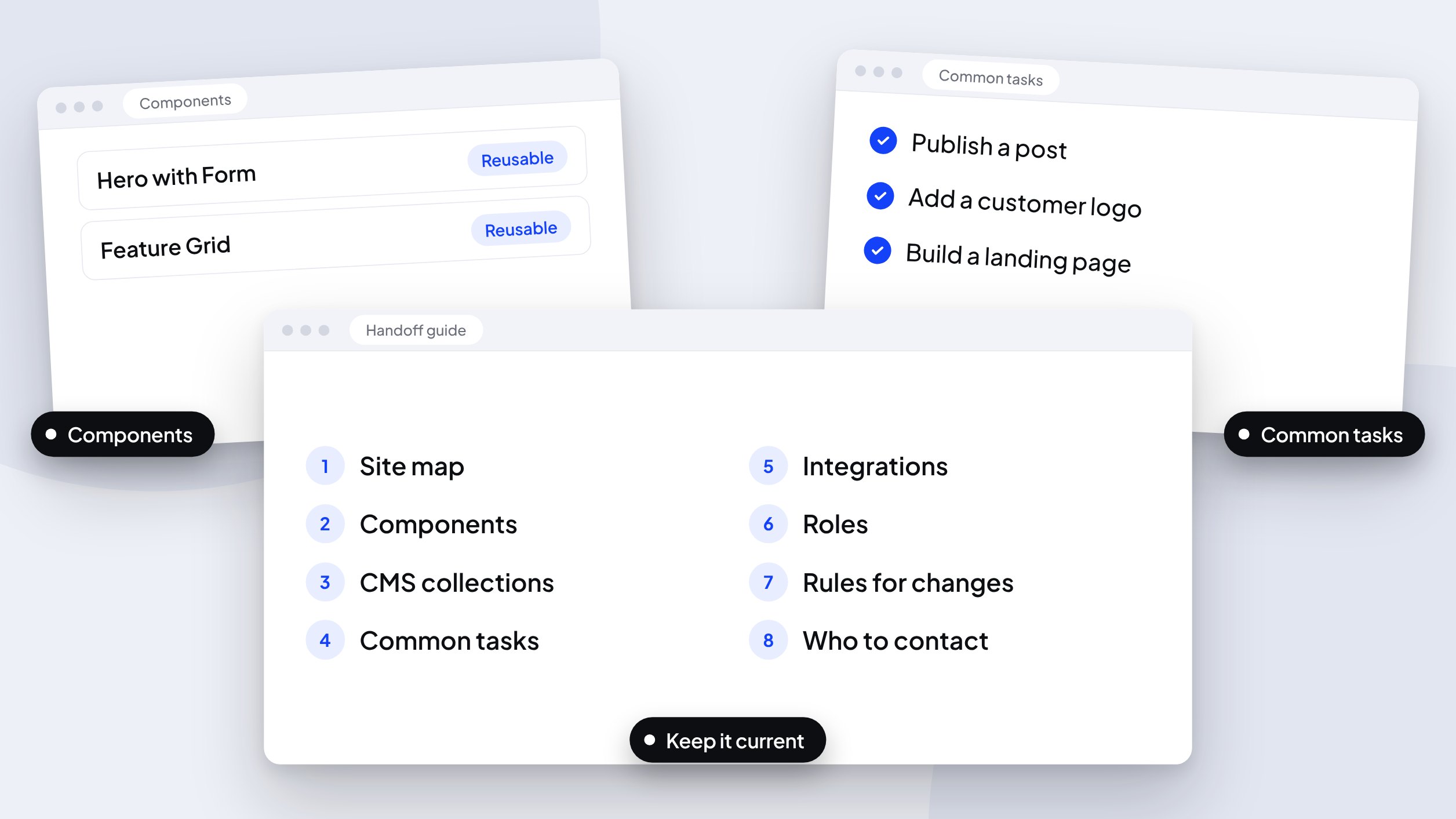
A handoff guide should cover the site map and owners, every named component, each CMS collection, step-by-step instructions for common tasks, integrations, roles and permissions, rules for changes, and who to contact. Write it so a new marketer could publish a landing page on day one.
Any information contained on this Website is not legal advice and should not be treated as such. You should always contact an attorney for help with your specific legal needs and issues. We may also earn a commission when you click links to our partners and purchase goods or services. For more information, read our Disclaimers Policy.
The site is live, and the person who built it is moving on. Your marketing team now owns it. Whether that’s a calm transition or a string of “how do I change this?” messages depends on one document.
This is what a handoff guide should contain for a SaaS marketing team, how to write it so people use it, and how to keep it accurate after launch.
Why handoffs fail
Handoffs tend to fail in one of three ways.
- They’re logins and a recording. A long walkthrough video covers everything and can be searched for nothing.
- They describe the build, not the work. The guide explains how the site was constructed, while your team needs to know how to publish a case study on a Tuesday.
- They’re written once. The guide matches the site on launch day and drifts after the second campaign.
What a handoff guide should cover
- Site map and ownership. Which pages exist, what each one is for, and who on your team owns it.
- Components. A named list of every reusable component, what it’s for, which one to use when, and which parts not to change.
- CMS collections. Each collection, its fields, which fields are required, how items relate to one another, and the publishing steps.
- Common tasks. Step-by-step instructions for the work your team repeats: publishing a post, adding a customer logo, building a landing page from components, updating pricing, adding a redirect, editing metadata.
- Integrations. Forms, CRM routing, analytics, chat, and localization: where each is configured and what breaks if it changes.
- Roles and permissions. Who can use the Designer, who works in the Editor, and who can publish.
- Rules for changes. Naming conventions for classes and components, and what to ask before touching global styles.
- Who to contact. When to ask for help, and how to reach the person who can give it.
Write it for the person who joins next quarter
The best test is simple: could a new marketer publish a landing page on their first day using only the guide? If the answer is no, the guide is describing the site instead of supporting the people who run it.
Write the common tasks as numbered steps, with a screenshot wherever a menu is hard to find. Name things the way your team names them. If marketing calls it “the pricing table” and the Designer calls it “Pricing Grid v2”, put both names in the guide.
Use writing for lookup and video for sequences
A written guide is easy to search and update. A short screen recording is better for a sequence with many clicks, such as setting up a CMS item with references. Keep recordings short, one task each, and link them from the matching section of the written guide. Store everything in the place your team already works, whether that’s a wiki, a shared drive, or a project workspace.
Keep it current
A handoff guide is a starting point. Three habits keep it accurate:
- Give it an owner. One named person is responsible for updating it.
- Tie updates to changes. A new component, a new collection, or a new integration triggers an update the same week.
- Review it on a schedule. Quarterly is a reasonable starting point. Add a short change log at the top so people can see what’s new.
Frequently asked questions
Who should write the handoff guide?
The person who built the site writes the first version, and someone on your team who will use it reviews it. The reviewer’s questions show where the guide skips a step. For the wider process, here’s how we manage Webflow client projects from first call to handoff.
How long should it be?
Long enough to cover every recurring task, short enough that people read it. A focused guide to the tasks your team actually performs is more useful than a complete reference nobody opens.
How is this different from Webflow University?
Webflow University explains the platform. A handoff guide explains your site: your components, your collections, and your rules.
What if my site was built without documentation?
Start with an audit. List the components, collections, and integrations, note who owns each, and write up the five tasks your team performs most. That version is rough, and it’s more useful than no guide.
Next step
Every build we deliver ships with a handoff guide written for the team that will run the site. If you’re planning a new site, see how a Webflow build works. If you inherited a site without documentation, Start a project and the first step can be writing that guide.
