
Direct answer
Why build a Webflow site from components?
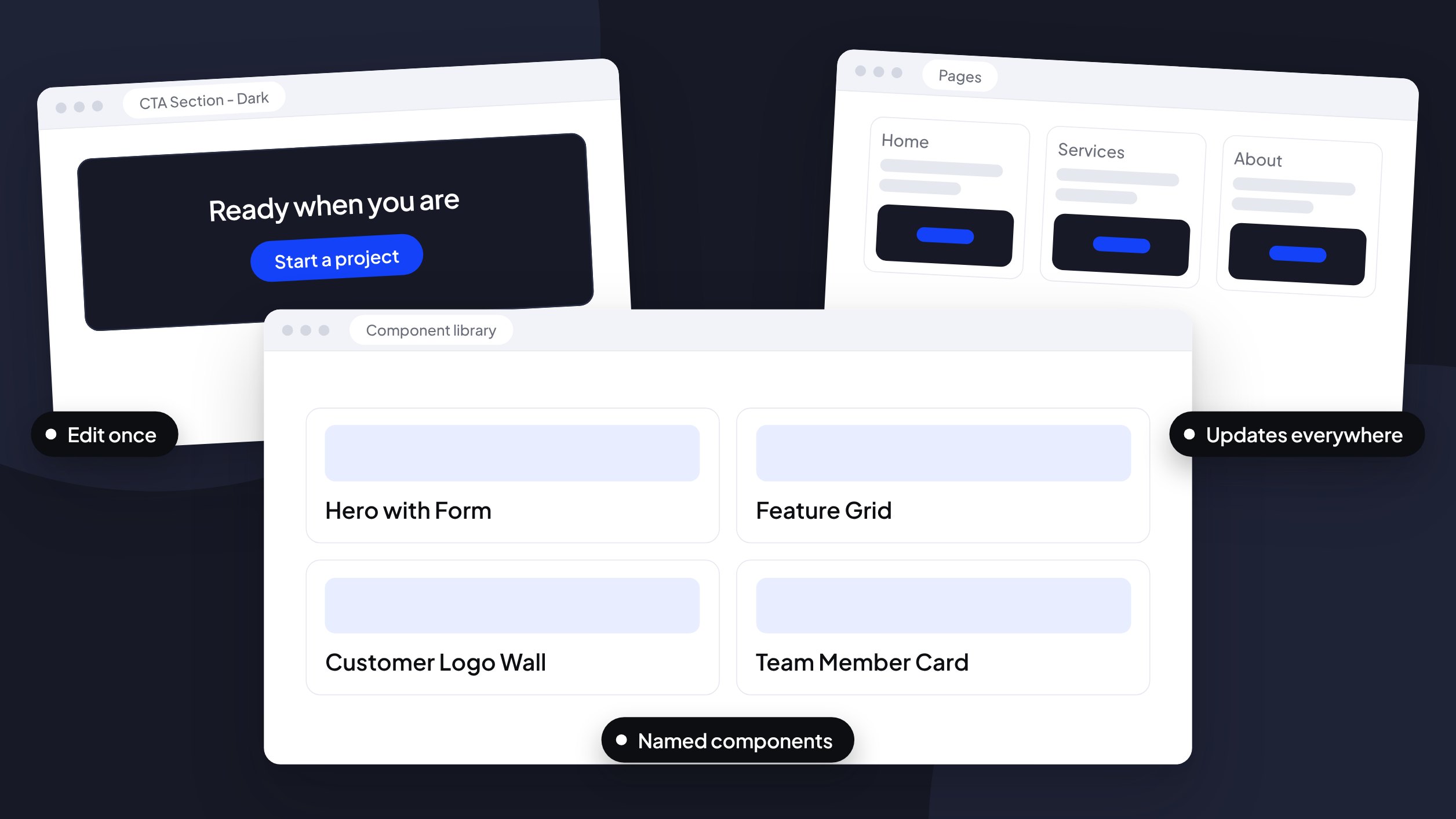
A component-based build treats your site as a library of reusable, named parts instead of one-off pages. You edit a component once and every page that uses it updates, which keeps branding consistent and makes the site easier for a growing team to manage.
Any information contained on this Website is not legal advice and should not be treated as such. You should always contact an attorney for help with your specific legal needs and issues. We may also earn a commission when you click links to our partners and purchase goods or services. For more information, read our Disclaimers Policy.
Your website shouldn’t fall apart when you add a new page or a new person to your marketing team. But many sites are built page by page, with one-off sections that pile up technical debt. Soon, making a simple update feels like high-stakes surgery.
A static build is rigid. It meets today’s needs and breaks tomorrow. A system built with components is designed to grow with you, keeping your site consistent and manageable.
Define the system: components over pages
Thinking in components means you stop seeing your site as a collection of individual pages and start seeing it as a library of reusable elements. This shift is what separates a short-term fix from a long-term asset.
Reusable elements for consistent branding
Global components, like your navigation bar, footer, or main call-to-action button, are built once and used everywhere. When you need to update your phone number or change a link, you edit the main component, and the change shows up on every page that uses it.
This matters for maintaining visual integrity, especially on B2B SaaS and professional service sites where brand consistency builds trust. Webflow’s Components feature, formerly called Symbols, prevents design drift by linking every instance of an element to a single source of truth.
A clean structure for your marketing team
A well-built site uses naming conventions that make sense to humans, not just developers. Instead of div-block-147, you get components named “CTA Section - Dark” or “Team Member Card.”
This logical structure shortens the learning curve for new hires, fractional CMOs, or anyone on your team who needs to work on the site. It prevents the “Frankenstein” effect, where new sections built months after launch look slightly different from the original design because no one could find the right styles.
Simplified CMS integration
Components get more powerful when connected to the Webflow CMS. You can build elements that pull content directly from a CMS collection.
For example, a law firm can manage its attorney bios from a single list, and a SaaS company can update an entire feature grid without touching the Designer. This setup frees you to focus on publishing content, not fighting with CSS. For an example of a professional services site, see the Smith Eilers Law Firm case study.
The handoff guide: your manual for the future
A scalable system is only useful if your team knows how to use it, which is why documentation can’t be an afterthought. Every component-based build should include a handoff guide explaining how your components work.
Guessing how a site was built wastes time, and the cost grows with every new contributor. A proper handoff guide gives your team ownership. You can make small changes, add blog posts, or update team members without a developer on standby. It also simplifies future updates, migrations, or a rebrand, and leaves you with an asset that can grow from a founder’s site into a larger team’s.
Common questions about your Webflow build
What is a component in Webflow?
A component is a master element for a part of your site: a button, a testimonial card, or an entire pricing grid. Edit the main component, and every copy of it updates across the site. That keeps the design consistent and saves manual work.
Can my team edit the site without breaking the design?
Yes. Webflow’s Editor lets your team change text, images, and CMS content without altering the site’s structure. Layout and styles live in the Designer, so spacing, colors, and fonts are protected from accidental changes. Your team gets safe access to manage content while the core design stays intact.
How do I add a new section to an existing page?
Anyone with Designer access can drag a pre-built component from the library onto a page. If you need a new testimonial block, find the “Testimonial” component and place it where it belongs. Whether your team can add sections without Designer access depends on how the components and CMS are built. The handoff guide should say which sections your team can add themselves and which need a designer.
Next step
Ready for a site that grows with you? Whether you’re migrating from WordPress or rebuilding for a rebrand, a component-based Webflow build gives you a scalable foundation and a full handoff guide. It’s a lasting asset, not just a collection of pages.
